 uRemote
TV REMOTE CONTROL · iOS & ANDROID
Your TV.
Within reach.
One TV free for 5 minutes a day. Pro removes TV and daily time limits. TV controls and 20 languages. TV integrations remain beta; features depend on your television.
The app is in preparation. Help and product information are available now.
Find your rhythm
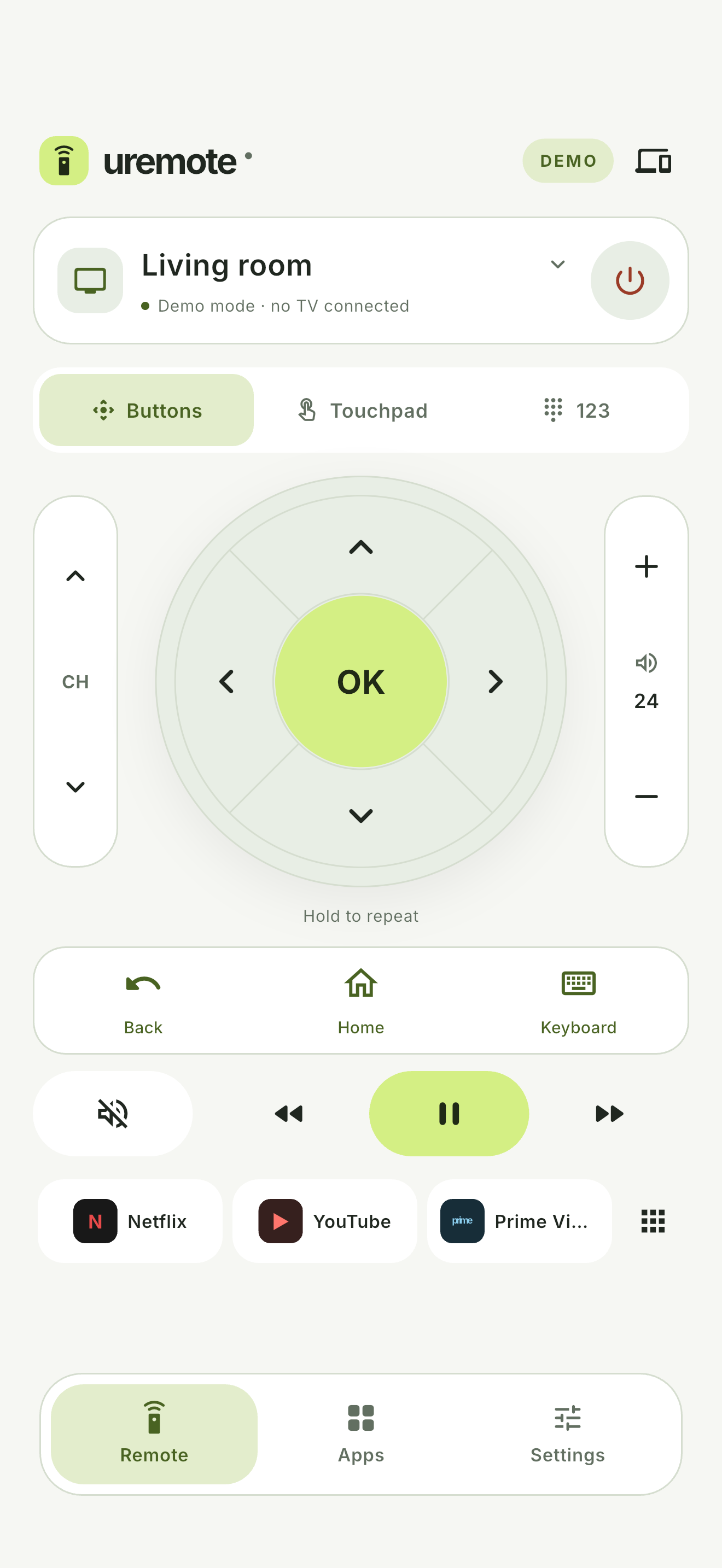
Use directional buttons, a touchpad, and text entry where your TV supports them.
Back to your favourites
Save TVs, give them familiar names, and keep your favourite TV apps close.
Make it feel right
Auto follows your system. Or pick a dark or light appearance with a tap.
CONNECT YOUR DEVICES
Phone and TV.
One home network.
Turn on your TV and connect both devices to the same local network. Select your TV in the app or enter its IP address, then approve access on the TV screen. Available commands depend on the model and software.
The app implements 13 beta remote protocol families. Physical model compatibility has not been verified. The app does not select, play or send local media files on iOS or Android. There is no built-in screen-broadcasting engine. See Support for compatibility details.
CLEAR CHOICES
Your pairing details stay on your phone.
Remote control happens over your local network. Firebase analytics and crash reporting are optional and off by default. RevenueCat purchase checks operate separately from optional reporting — the privacy policy explains them.
Read the privacy policy ↗